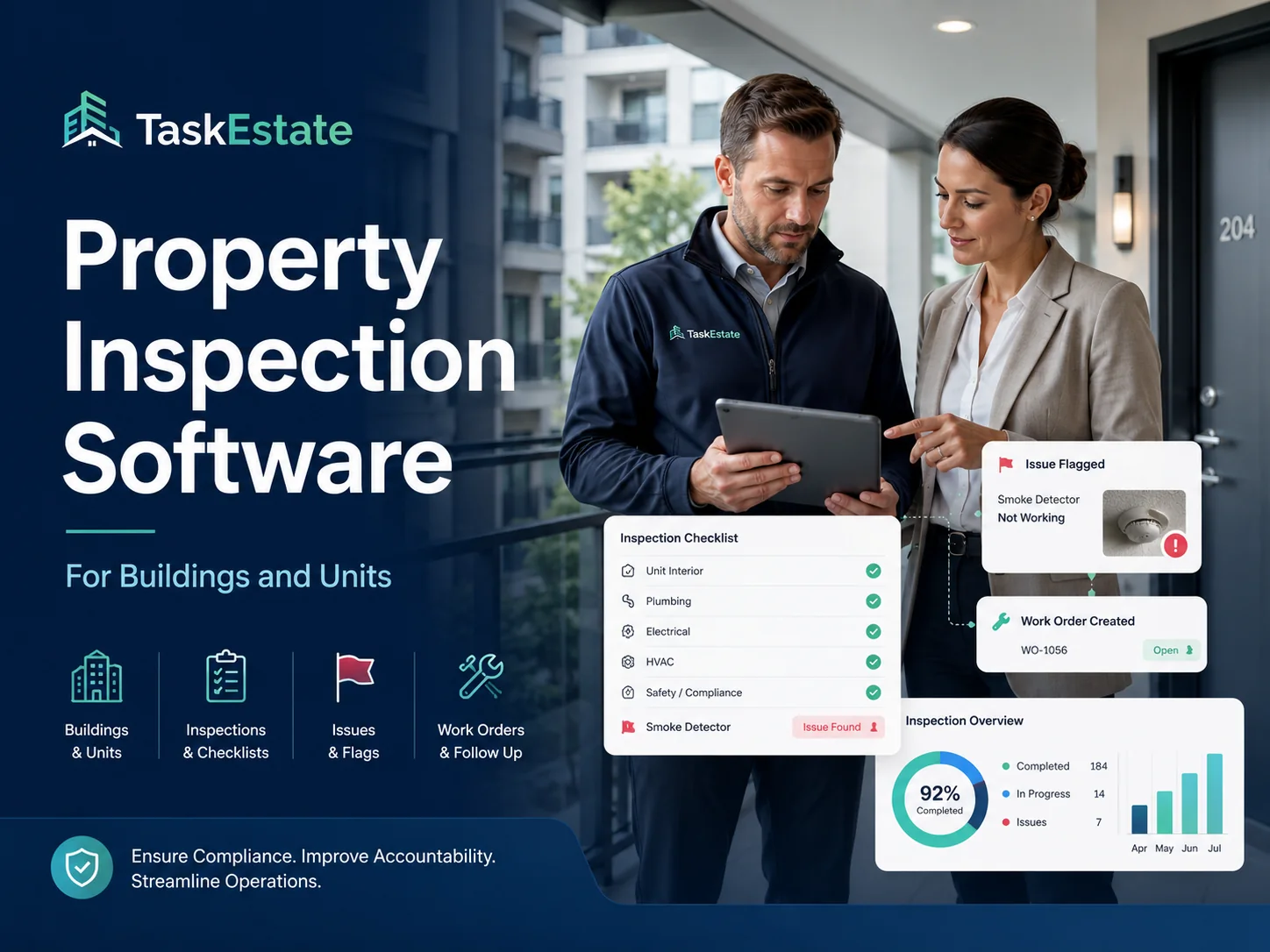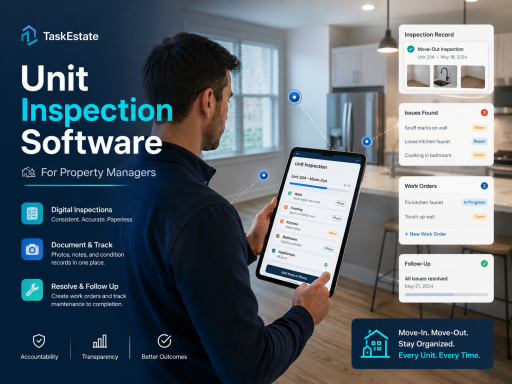
TaskEstate unit inspection software helps property managers inspect rental units, document conditions, track maintenance issues, and keep inspection records organized in one centralized platform.
Unit inspections are one of the most important parts of property maintenance operations. Whether your team is checking a move-in condition, completing a move-out inspection, reviewing damages, preparing for turnover, or documenting recurring maintenance concerns, paper forms and scattered photos can quickly become difficult to manage.
TaskEstate gives property managers a structured way to record unit inspection details, connect inspection findings to maintenance workflows, and maintain a clear history for every property, building, and unit.
What Is Unit Inspection Software?
Unit inspection software is a digital tool that helps property managers inspect apartments, rental units, and residential spaces using organized records instead of disconnected notes, spreadsheets, emails, and image folders.
With TaskEstate, inspection information can be connected to the broader maintenance process, making it easier to identify problems, assign follow-up work, and keep teams accountable.
Why Unit Inspections Matter
Every unit has its own maintenance history, condition changes, resident concerns, appliance records, and repair needs. Without a reliable inspection system, important details may be missed or forgotten.
A professional unit inspection process helps property managers:
- Document move-in and move-out unit conditions
- Track damages, repairs, and recurring maintenance issues
- Improve communication between managers, inspectors, and maintenance teams
- Create a clearer record for internal review and owner reporting
- Reduce missed follow-ups after inspections
- Support better planning for turns, repairs, and preventive maintenance
Built for Property Maintenance Workflows
TaskEstate is not just a standalone inspection checklist. It is designed for real property maintenance operations where inspection findings often need to become work orders, resident follow-ups, vendor tasks, or internal maintenance records.
If an inspection identifies a leaking faucet, damaged flooring, broken appliance, electrical issue, or safety concern, your team should not have to copy that information into another spreadsheet or email thread. TaskEstate helps keep inspection-related maintenance organized from discovery to resolution.
Key Benefits of TaskEstate Unit Inspection Software
Centralized Unit Records
Keep inspection notes connected to the correct property, building, and unit so your team can quickly understand the condition history of each rental space.
Better Maintenance Follow-Up
Turn inspection findings into organized maintenance action instead of relying on memory, manual reminders, or scattered messages.
Cleaner Inspection History
Maintain inspection records that help managers review past issues, compare unit condition changes, and support internal accountability.
Stronger Team Visibility
Give property managers, maintenance staff, and authorized users a clearer view of inspection-related tasks and unit-level maintenance needs.
Use Cases for Unit Inspection Software
TaskEstate can support many common inspection workflows for property management teams, including:
- Move-in inspections
- Move-out inspections
- Annual unit inspections
- Preventive maintenance inspections
- Turnover inspections
- Damage documentation
- Common maintenance follow-up checks
- Unit condition reviews before repairs or vendor visits
Connect Inspections With Maintenance Operations
Unit inspections are more valuable when they connect directly to the rest of your property maintenance process. TaskEstate helps managers move from inspection discovery to organized action.
For related workflows, TaskEstate also provides property inspection software, work order management software, and resident maintenance request software.
Who Should Use Unit Inspection Software?
TaskEstate is built for property managers and maintenance teams that need a better way to organize inspections and maintenance follow-up across multiple units.
It is especially useful for:
- Apartment property managers
- Multifamily property management teams
- Rental property managers
- Maintenance supervisors
- Inspection coordinators
- Small and growing property management companies
Reduce Missed Issues and Improve Accountability
Missed inspection findings can become expensive maintenance problems later. A damaged fixture, water leak, appliance issue, or safety concern should be documented clearly and followed up on promptly.
TaskEstate helps property managers create a more consistent inspection process so unit issues are easier to find, assign, track, and resolve.
Start Organizing Unit Inspections With TaskEstate
Replace scattered notes, photos, spreadsheets, and follow-up messages with a more organized unit inspection and maintenance workflow.
Create Your TaskEstate Account