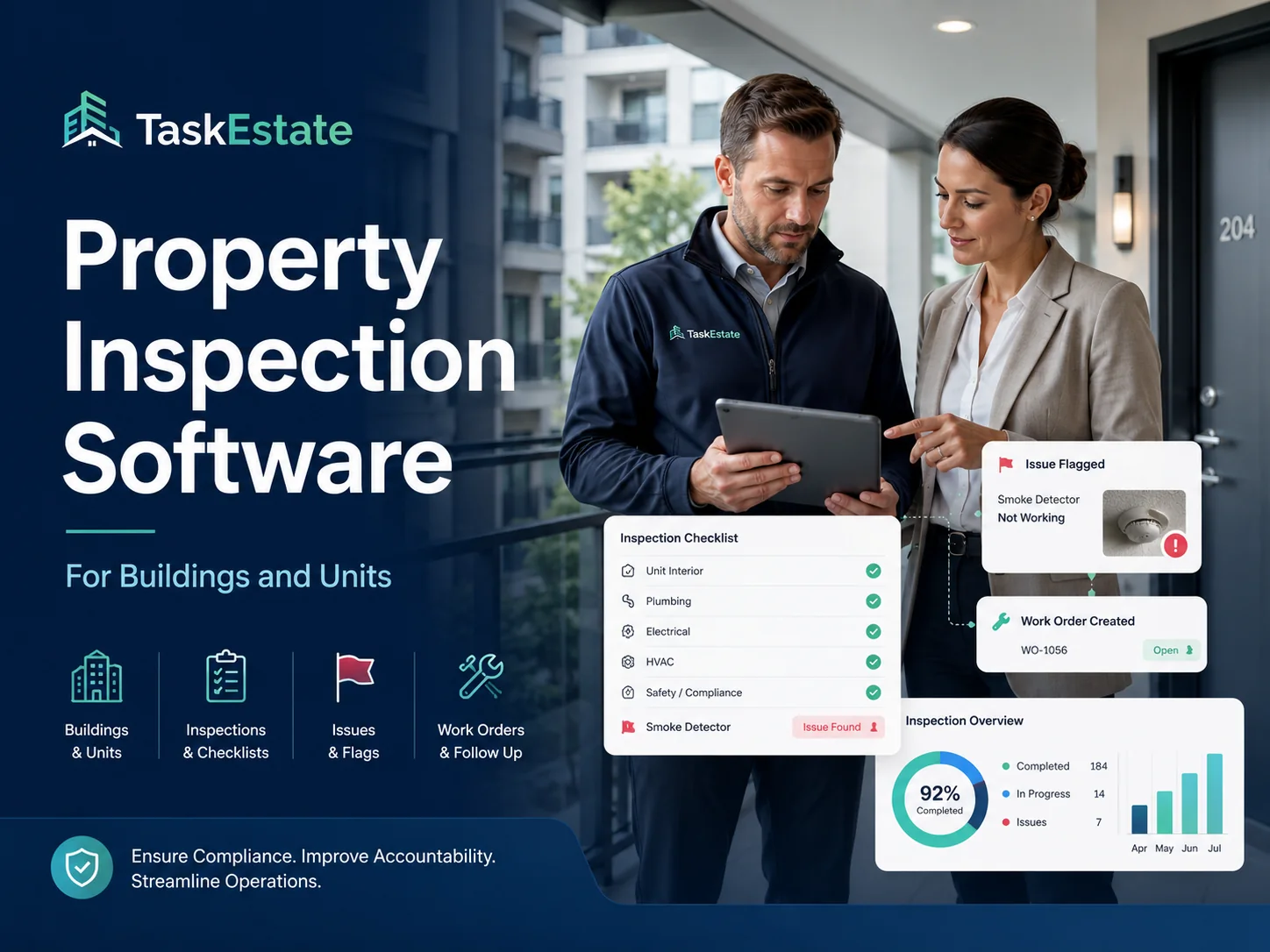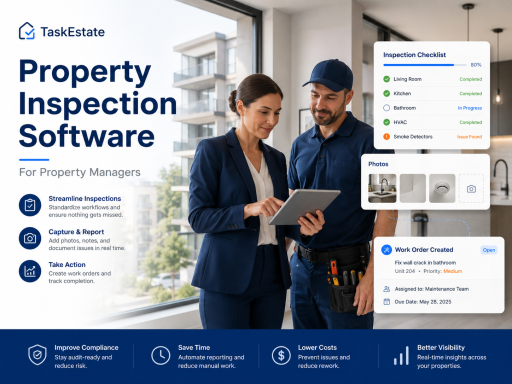
TaskEstate helps property managers organize property inspections, document issues, connect findings to work orders, and maintain a clear history for units, buildings, assets, and common areas.
Stop Managing Inspections With Spreadsheets and Scattered Notes
Property inspections are important, but they become difficult to manage when notes are stored in spreadsheets, emails, paper checklists, text messages, or separate photo folders. When inspection findings are not connected to work orders, important repairs can be delayed or forgotten.
TaskEstate gives property managers a structured way to document inspections and turn inspection findings into actionable maintenance follow-up. Instead of losing details after a walkthrough, your team can keep inspection records connected to the property, unit, asset, and related work order.
Common inspection problems TaskEstate helps solve
- Inspection notes are hard to find later
- Photos and comments are disconnected from maintenance work
- Follow-up repairs are not clearly assigned
- Managers cannot easily see which issues are still open
- Unit history is incomplete or spread across multiple systems
- Inspection records are difficult to review before move-in, move-out, or vendor follow-up
Property Inspection Tools Built for Maintenance Accountability
TaskEstate helps property teams move from inspection finding to maintenance action without losing visibility.
Inspection Scheduling
Plan inspections by property, building, unit, or work order so your team knows what needs to be reviewed and when.
Inspection Item Tracking
Record item-level findings, comments, conditions, and statuses instead of keeping inspection details in disconnected notes.
Work Order Follow-Up
Connect inspection findings to work orders so repairs can be assigned, tracked, and completed through a structured workflow.
Property and Unit History
Keep inspection records connected to the right property, building, unit, and maintenance record for easier future review.
Asset-Related Findings
Track inspection issues related to appliances, equipment, installations, and building systems for better asset visibility.
Maintenance Documentation
Build a more reliable operational record by keeping inspection notes, work orders, vendors, and completion details organized.
From Inspection Finding to Completed Work Order
A property inspection should not end with a checklist that sits in a folder. When an issue is found, the next step should be clear: document the issue, assign responsibility, schedule the repair, and track completion.
TaskEstate helps property managers create a more accountable inspection workflow by connecting inspections with maintenance operations. This makes it easier to see which problems were found, which repairs were assigned, and which items still need attention.
Simple inspection workflow
- Schedule or create an inspection
- Inspect the property, unit, common area, or asset
- Record findings and item status
- Create or connect follow-up work orders
- Assign the work to staff or vendors
- Track completion and keep the full history organized
Use TaskEstate for Different Types of Property Inspections
Keep inspection records structured across routine operations, maintenance follow-up, and property condition reviews.
Move-In Inspections
Document unit condition before a resident moves in and keep records available for future comparison.
Move-Out Inspections
Review unit condition, identify repairs, and create follow-up work orders for turnover maintenance.
Preventive Maintenance Inspections
Check recurring maintenance items before small issues become larger repair problems.
Common Area Inspections
Track hallways, laundry rooms, parking areas, exterior areas, amenities, and shared building spaces.
Why Property Managers Use Inspection Software
Property managers need more than a checklist. They need a way to connect inspection results to daily operations. TaskEstate helps teams create better visibility between inspections, maintenance requests, work orders, vendors, assets, and reporting.
Better Follow-Up
Inspection findings can move into maintenance action instead of being forgotten in notes.
Cleaner Records
Keep inspection details connected to properties, units, work orders, and assets.
More Accountability
Managers can see what was found, who was assigned, and what still needs to be completed.
Improved Operations
Use inspection data to support maintenance planning, vendor coordination, and property oversight.
Organize Property Inspections and Maintenance Follow-Up in One Place
TaskEstate helps property managers document inspection findings, create work orders, and maintain clearer operational records.
Frequently Asked Questions About Property Inspection Software
Learn how property managers can use TaskEstate to manage inspections and maintenance follow-up.